Most AI projects stall before they reach production. Not because the technology does not work. It does. They stall because the deployment is treated like a software project when it is actually an operations project.
← Dispatch 
The AI deployment checklist: what separates projects that ship from ones that stall
Most AI projects stall before they ship. The seven checkpoints that change that, and what they look like a year after launch.
Ben Sporn Founder of Eagle Eye
Draws on Ben's interview on Auto Finance News.
In this article 3 sections
From the deployments we have run, starting at VIP Automotive Group, seven checkpoints separate the projects that ship from the ones that never leave the slide deck.
The seven checkpoints
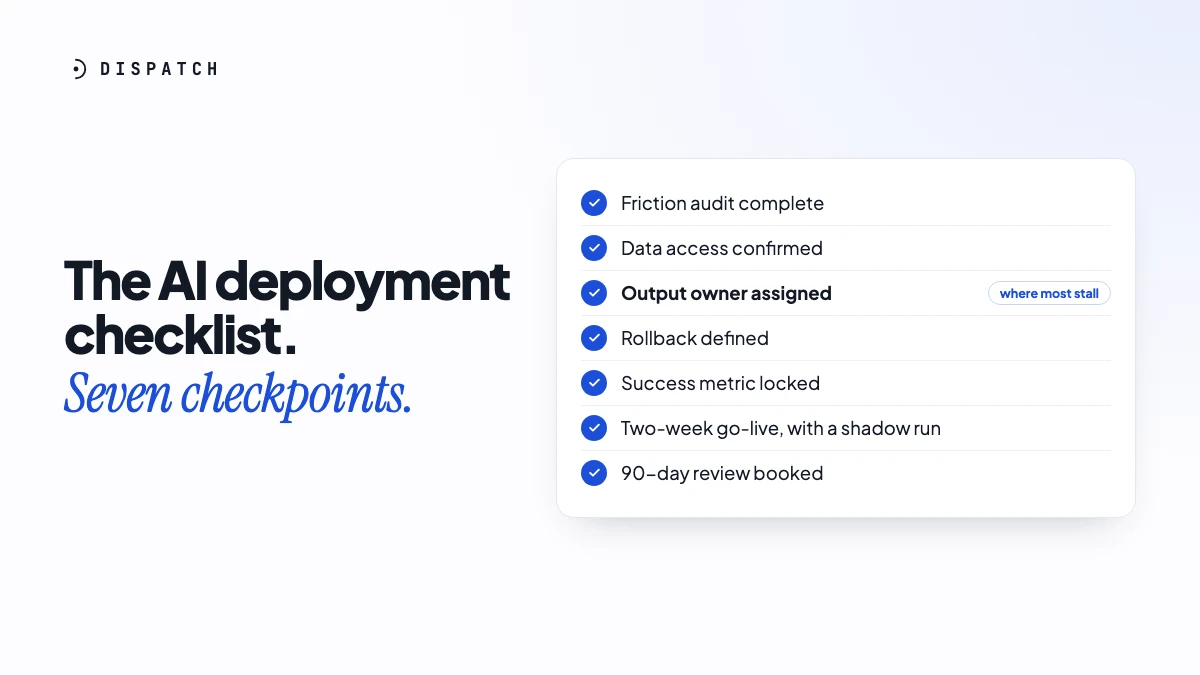
- Friction audit complete. You cannot automate a process you have not mapped. Run a structured friction audit and pick the top three targets before anything else.
- Data access confirmed. Does the agent have reliable, programmatic access to the data it needs? API access, DMS exports, CRM webhooks: confirm they work before the deployment clock starts.
- Output owner assigned. Every automated output (a drafted review reply, a generated listing, an anomaly alert) needs a named person who reviews it before it is final. Name them before you build the workflow.
- Rollback defined. If the automation produces bad output, how do you turn it off? It should take two minutes, not two hours. Have the switch before you go live.
- Success metric locked. "AI is helping" is not a metric. "Every review answered within one business day" is. Define the number before deployment so you know what you are measuring against.
- Two-week go-live target set, with a shadow run inside it. Deployments without a hard date drift. Set the date and work backwards. Run the agent beside the old way for the final week, so you find out where it is wrong before you trust it.
- 90-day review scheduled. Book the check-in before you launch. Much of the value shows up after launch, once the team trusts the output and the edge cases are fixed. Somebody has to show up to capture it.
The most common failure mode
Checkpoint 3 is where most projects stall. The automation produces good output, but nobody owns reviewing it, so it sits in a queue, and eventually it gets switched off because "nobody uses it."
Automation does not replace ownership. It changes what the owner does, from producing the work to reviewing it. Make that role explicit before you go live.
What it looks like a year later
Checkpoints 3, 4, and 7 never really end. At VIP, where I am CMO, more than 85 workflows are live, the oldest has been running for over a year, and 99.9% of automated runs succeed. That number comes from a routine, not luck: the first thing every morning is a check that the scheduled jobs ran, and anything that failed gets rolled back and fixed.
Then the next function goes through the same seven checkpoints. The first one is the hard one. The rest get faster.
Start with one function
A 30-minute call. We map where your operation leaks time and scope what to automate first.
Book a Call